Serve more people
Visual, auditory, neurological, motor and cognitive disabilities can all change how someone uses a website. According to the WHO, 15% of people have a disability, and that number is set to rise as the population ages.
 Let's talk
We can help your organisation create a website that is accessible to everyone. Our design and development team builds to WCAG 2.1 Level AA, so the biggest barriers are removed.
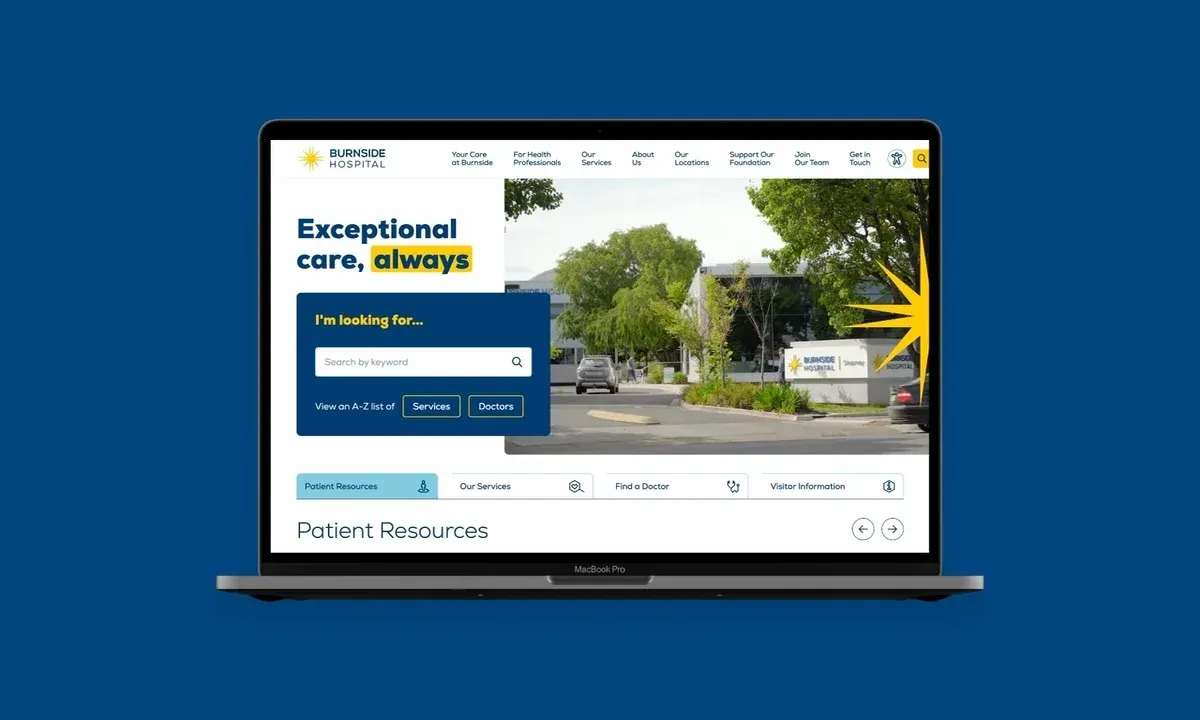
Web accessibility means creating websites that can be used by everyone, regardless of ability.
When a website is built this way, it helps the people using it, the organisation behind it, and the community it serves.
Visual, auditory, neurological, motor and cognitive disabilities can all change how someone uses a website. According to the WHO, 15% of people have a disability, and that number is set to rise as the population ages.
An accessible website improves the experience for everyone who uses it. It is also a practical way to demonstrate your organisation’s responsibility to the people you serve.
Accessible websites can improve search results, reduce site maintenance and reach more people. Clear structure helps your team as well as your audience.

It’s been a rewarding experience knowing the sites we create are accessible to all people.
Our team pressure-tests your site against AA accessibility standards, then reports how it can be more accessible.
Is the website built to WCAG 2.0 Level AA, including the checks below?
Each page should include a clear content hierarchy, using valid HTML markup with heading and paragraph tags.
Foreground and background colour combinations need to pass a minimum contrast ratio. Colour should not be the only way to tell items apart.
People need to reach buttons, menus and interactive content with keyboard commands. A skip-navigation link should be present.
The markup needs alt text, labels and roles so a screen reader can interpret the content reliably.
Along with the AA standards, different devices and browsers have minimum font sizes that affect how a site behaves and how usable it is.
Even simple forms can be difficult to use. Usable forms explain what is required, and make validation and messages clear.
Video and audio should provide the right controls, as well as captions and transcripts where appropriate.
Images need alternative text so someone using a screen reader still understands what is on the page.
The published expectations for Australian businesses and government agencies.
Official recommendations from the Human Rights Commission strongly encourage all businesses to meet WCAG 2.1 standards, to avoid violating the Australian Disability Discrimination Act.
The Australian Government’s Web Accessibility National Transition Strategy requires all Australian government agencies to meet WCAG 2.0 Level AA.
Brighter can help.